Resources Giving Access
How to Add a User to Google Analytics
Give your agency or a team member their own access to your Google Analytics data, without sharing your password.
RedFlame DigitalLast checked
Quick answer
In Google Analytics, click Admin, then Account access management. Click +, then Add users, enter their email address, choose Administrator for an agency, and click Add.
Before you start
- Time
- About 5 minutes
- What you need
- An Administrator login to your Google Analytics account, and the email address your agency gave you
- Access level to give
- Administrator
Why Administrator? Your agency asks for Administrator because it is the only Analytics role that can change settings and also add or remove users. Editor can change settings but can't manage users.
How do you add a user to Google Analytics?
Add people from the Admin area. Only an Administrator can do it.
- Sign in to Google Analytics.
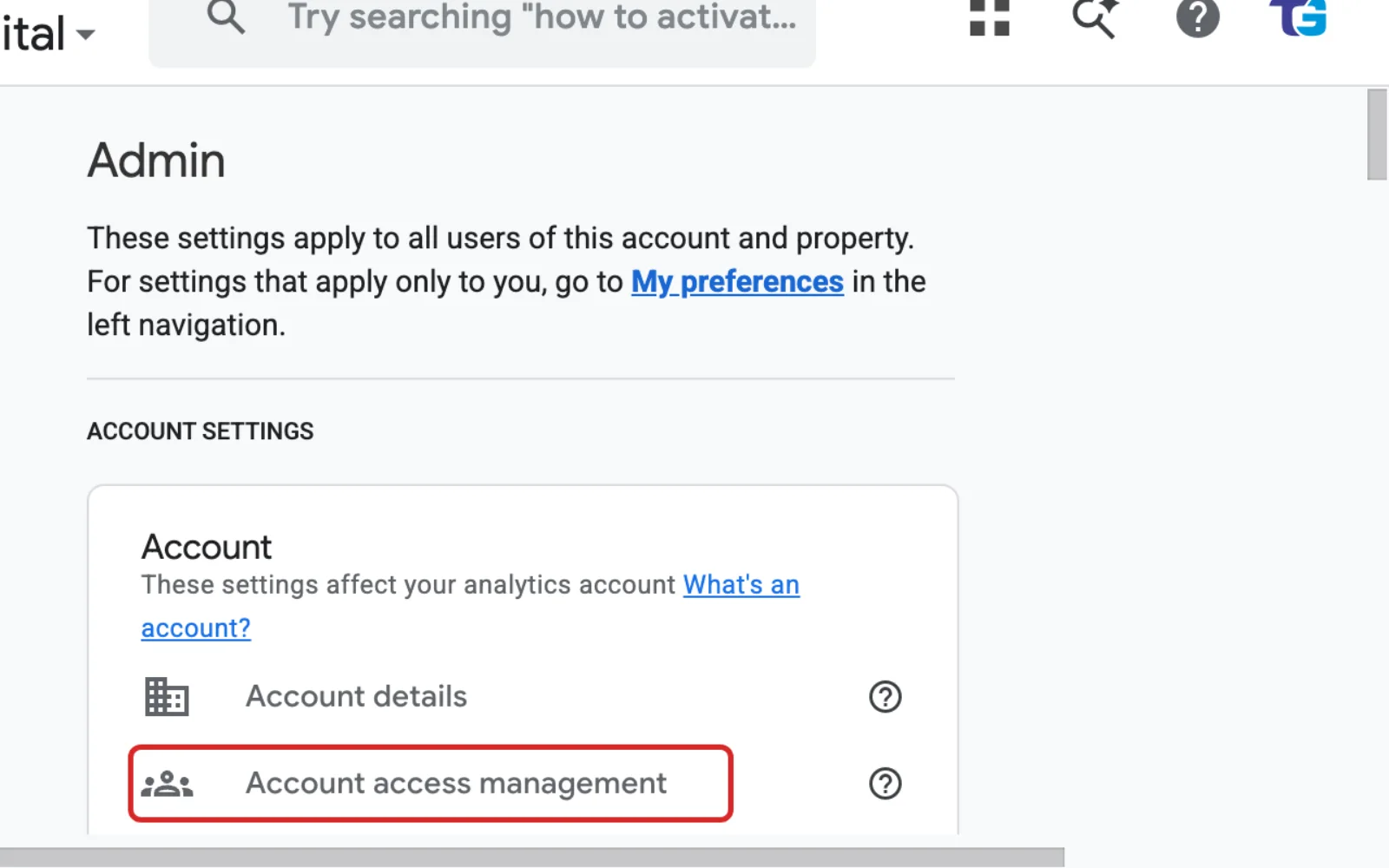
- Click Admin in the menu on the left.
- Under Account, click Account access management.
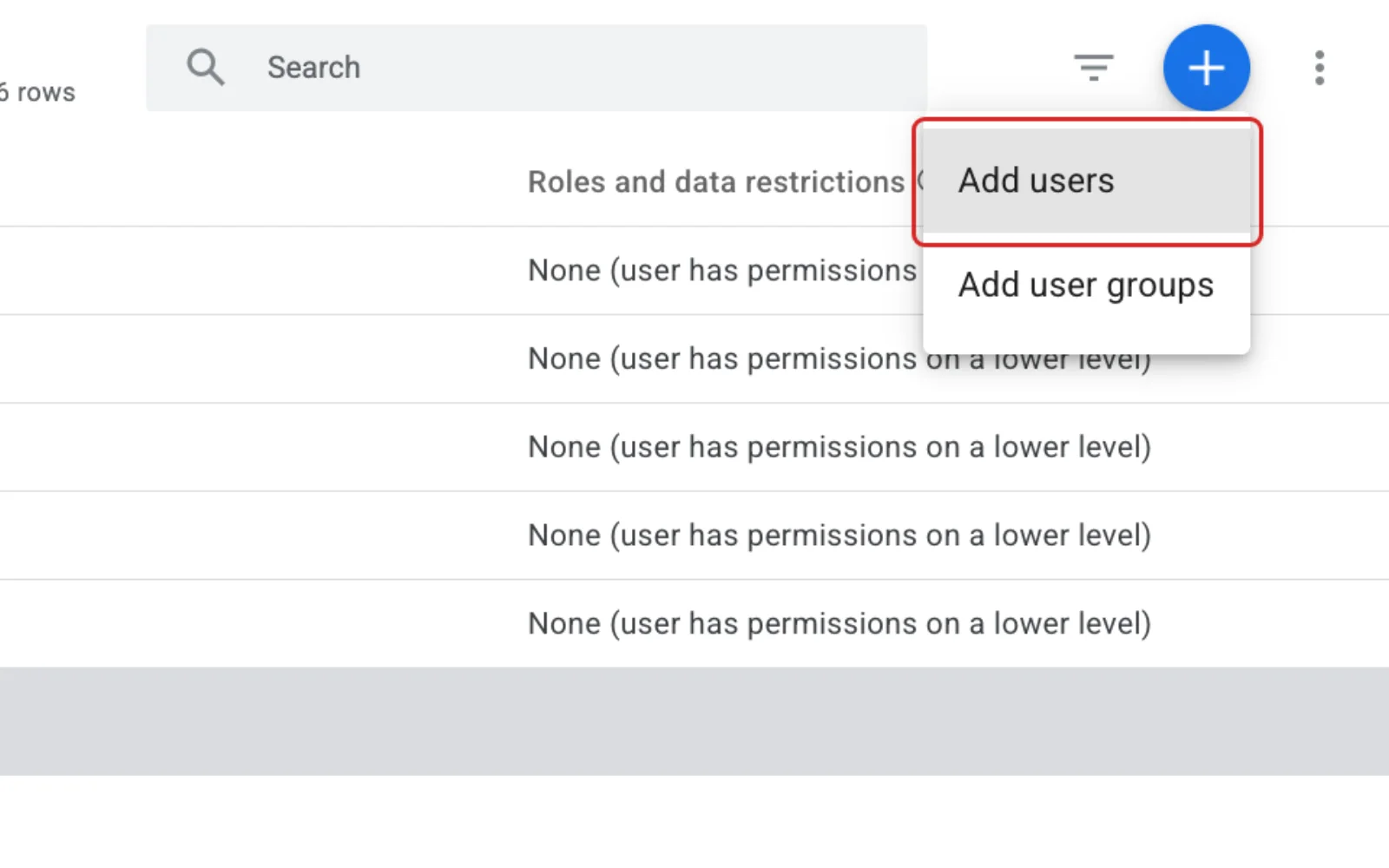
- Click the + button, then click Add users.
- Type the email address your agency gave you.
- Tick Notify new users by email.
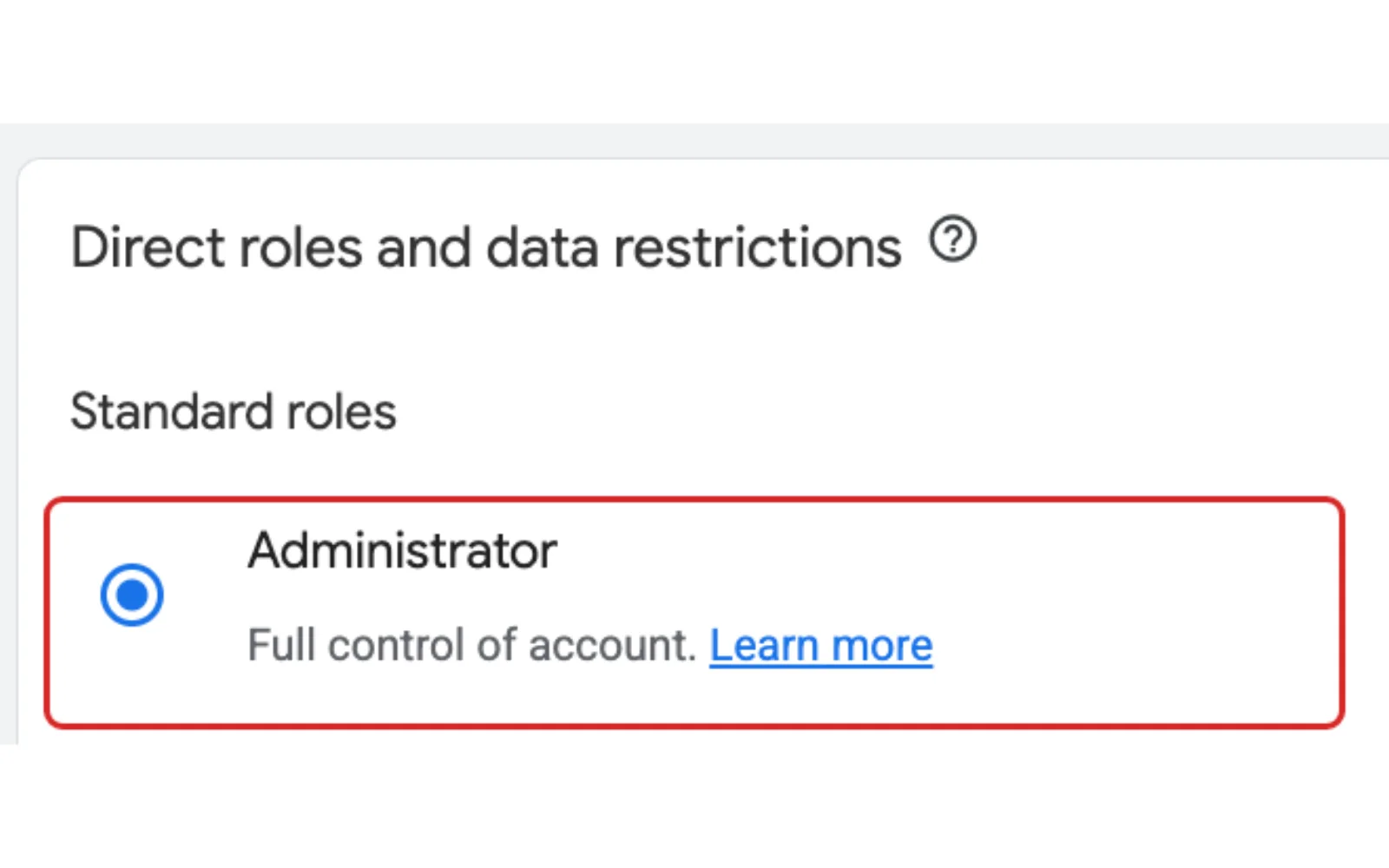
- Choose the role Administrator.
- Click Add.
Which Google Analytics role should you give?
Give Administrator to an agency that sets up and looks after your analytics.
| Role | What it can do |
|---|---|
| Administrator | Full control, including adding and removing users |
| Editor | Full control of property settings, but can't manage users |
| Marketer | Create and change audiences and events |
| Analyst | View data and share their own custom reports |
| Viewer | See settings and data |
How do you remove someone's access later?
Remove people from the same Account access management screen you used to add them.
- Click Admin, then Account access management.
- Type the person's email address in the search box.
- Tick the box next to their name.
- Click Remove.
To change their role instead, click their name, choose the new role and click Save.
What if you can't find who owns your Google Analytics?
Ask whoever built your website or set up your marketing. One of them may be an Administrator and can add your agency.
If nobody has Administrator access, you prove you own the website by adding a small file or code to it, then fill in a form. Google's page on what to do when no one has administrative access has the steps. Your web designer can help add the file.
Frequently Asked Questions
Does the person need a Gmail address?
No. The address must belong to a Google Account, and Google lets people create one with a non-Gmail address.
Why add a user instead of sharing my login?
Each person signs in with their own email address and password, so yours stays private. You can also change or remove each person's access on its own.
Can I give someone access to only one website?
Yes. Use Property access management for that website's property instead of Account access management. Account access covers every property in the account. A property is one set of data, usually for your website.
Keep going
Related Guides
Giving Access
How to Add a User to Google Search Console
Last checked
Give your agency access to your Search Console data in a few minutes, without sharing your Google password.
Read the guideGiving Access
How to Add a User to WordPress
Last checked
Give your agency or a new team member their own WordPress login in about five minutes.
Read the guideGiving Access
How to Add a Manager to Google Business Profile
Last checked
Let your agency or a team member help run your Google Business Profile, while you stay the owner.
Read the guide
Questions About Your Website?
If your website needs work once your agency can see the numbers, see our web design page or get in touch.
Sources
Steps last checked against these pages on .
- Analytics Help: Add, edit, and delete Analytics users and user groups (checked Nov 12, 2026)
- Analytics Help: Access and data-restriction management (roles) (checked Nov 12, 2026)
- Analytics Help: [GA4] Google Analytics account structure (checked Nov 12, 2026)
- Analytics Help: No one has administrative access (checked Nov 12, 2026)
- Analytics Help: About annotations (location of Admin) (checked Nov 12, 2026)
- Google Account Help: Create a Google Account (checked Nov 12, 2026)